Overview
In this article, we'll cover the steps required for signing up, or registering, for Aline Academy eLearning.
Steps to Sign Up for Aline Academy
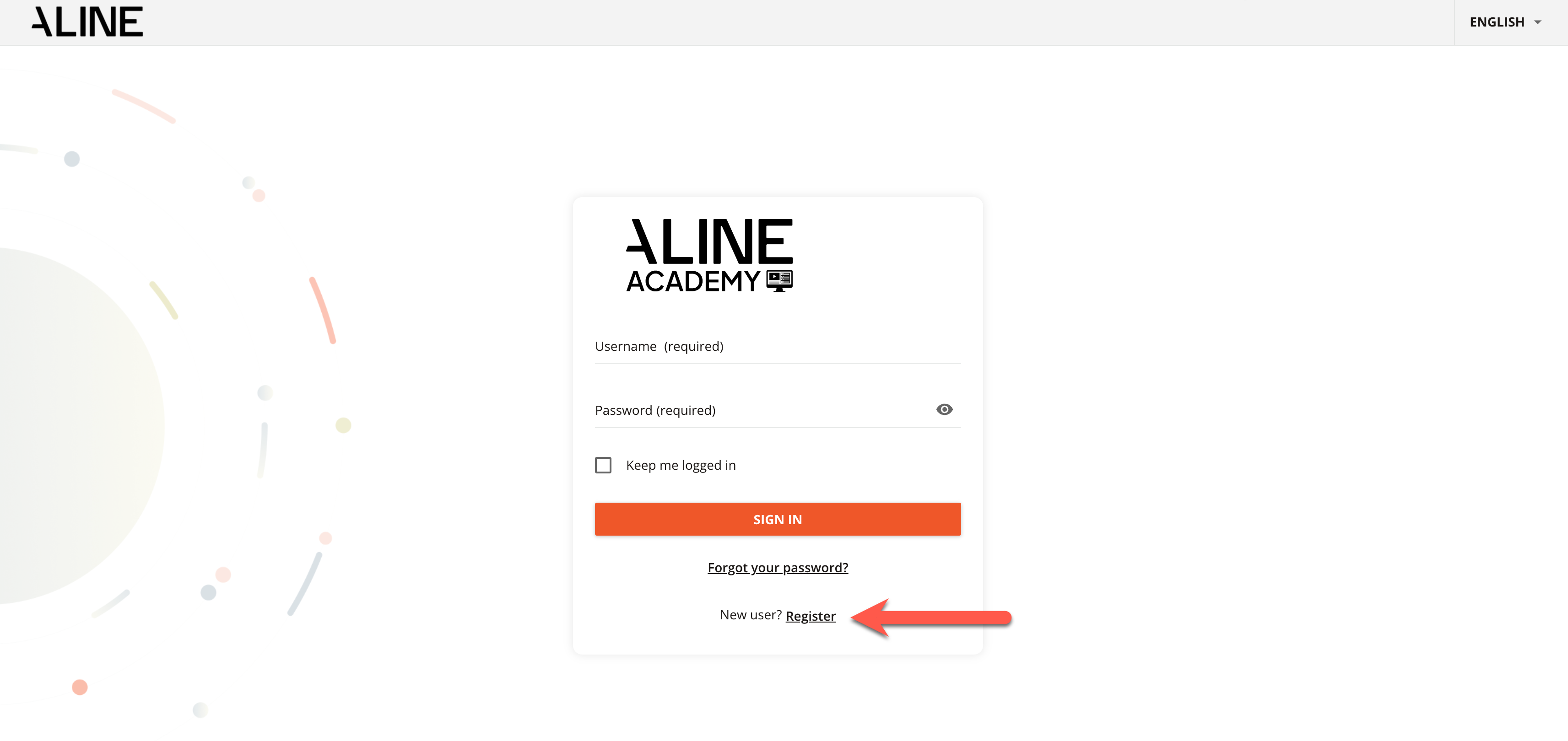
Step 1: Navigate to Aline Academy via https://alineacademy.alineops.com/.
Step 2: Select "Register".
Step 3: Fill in the registration fields with the following information: username, email address, first and last name, password, language preference, and Branch Code. Your Branch Code is specific to your organization or community. Please consult with your leadership team to receive your Branch Code.
eLearning courses CANNOT be added to your Aline Academy account without a provided Branch Code.
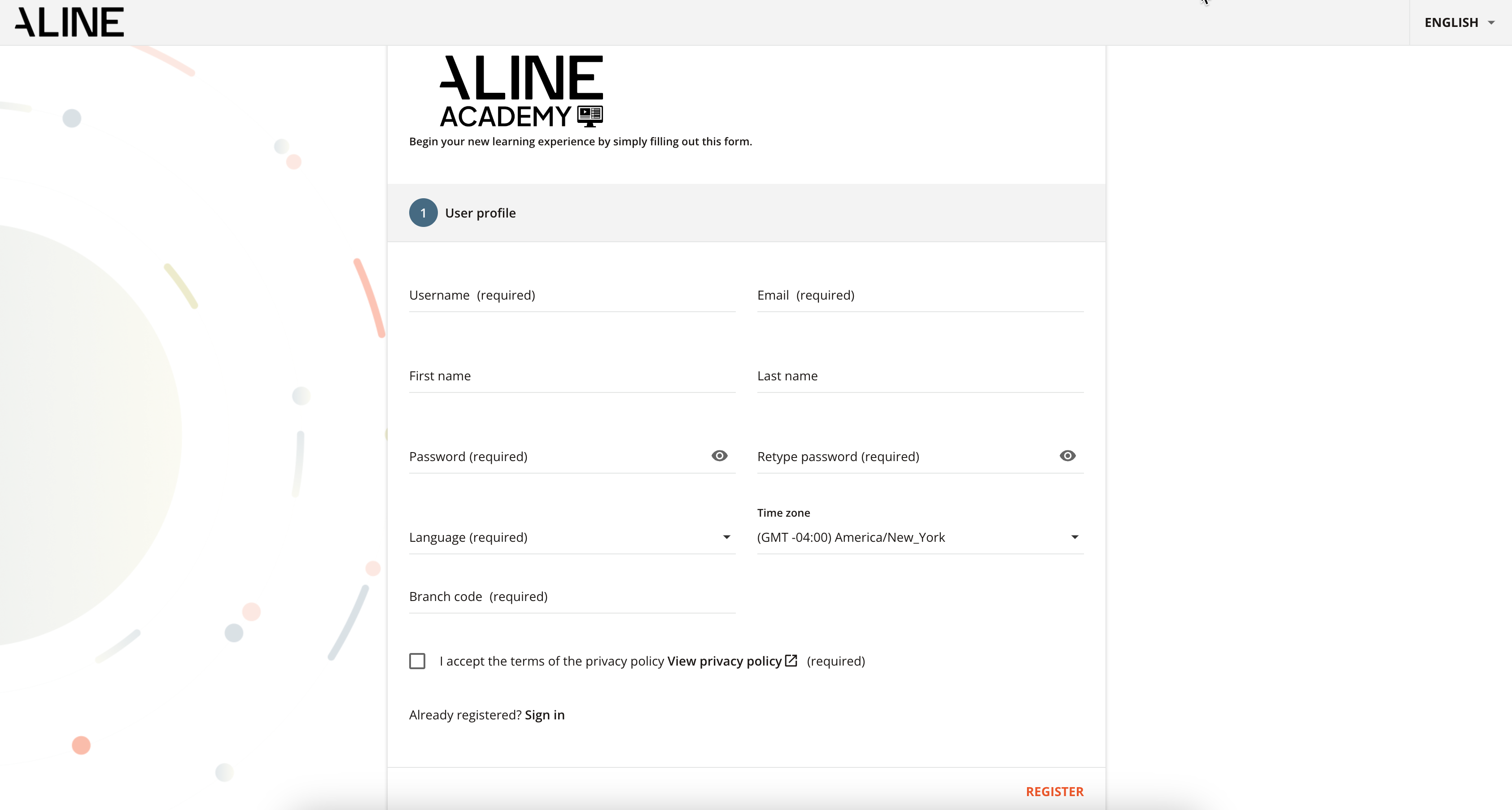
Step 4: Fill in any additional fields. Some organizations or communities may require additional fields, such as Job Title. The Job Title field will automatically assign the correct Aline courses to your Aline Academy account.
Step 5: Select "Register".
Step 6: You will now have access to Aline Academy courses that pertain to your organization/community and your specific job role.
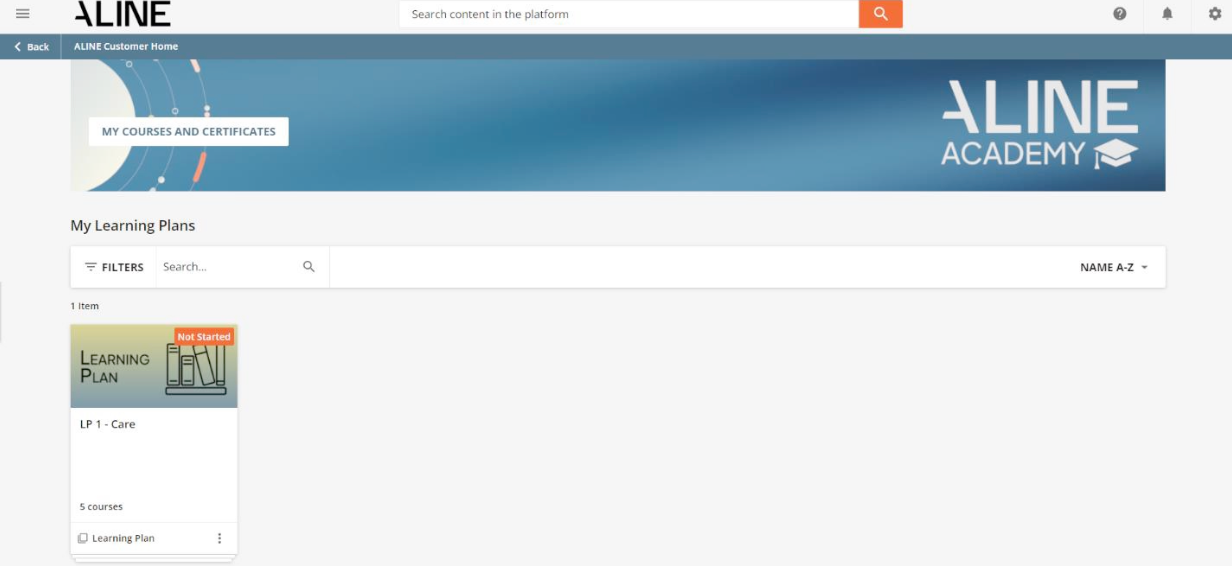
Please note: certifications for completed courses can be viewed or downloaded by selecting "My Courses and Certificates".
Was this article helpful?
That’s Great!
Thank you for your feedback
Sorry! We couldn't be helpful
Thank you for your feedback
Feedback sent
We appreciate your effort and will try to fix the article