Overview
In this article, we will review an overview on starting a quality survey.
Steps to Build Quality Survey
Surveys or Trip Report will use the same Question and Answer banks. To build a Survey or a Trip Report verify you have access to perform the function. Before getting started, users will need to complete the following:
- Gather all questions
- How they will be scored (weighted score)
- Know what score will put each area into a Plan to Correct
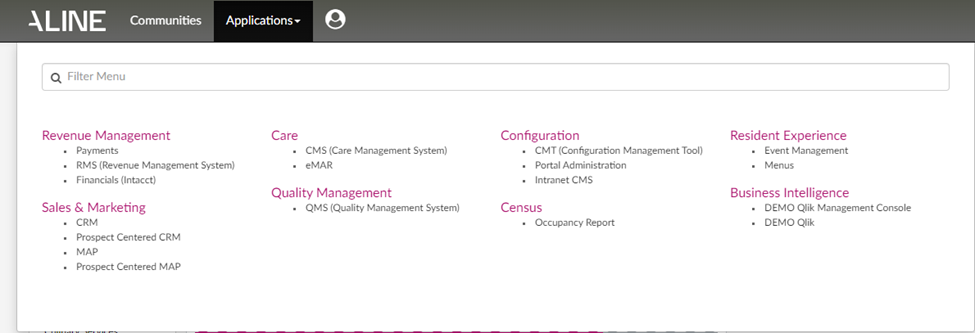
Selecting Quality from the Aline Suite Dashboard will take users to the application and the Quality Dashboard.
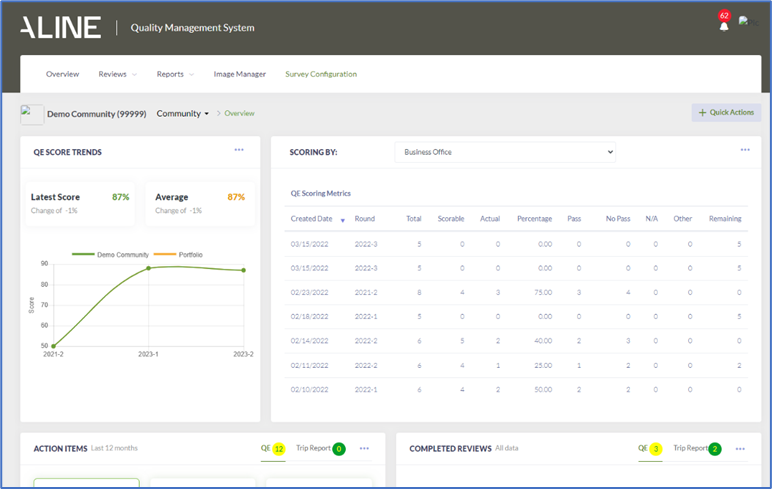
To begin building a new Survey or Trip Report Select Survey Configuration.
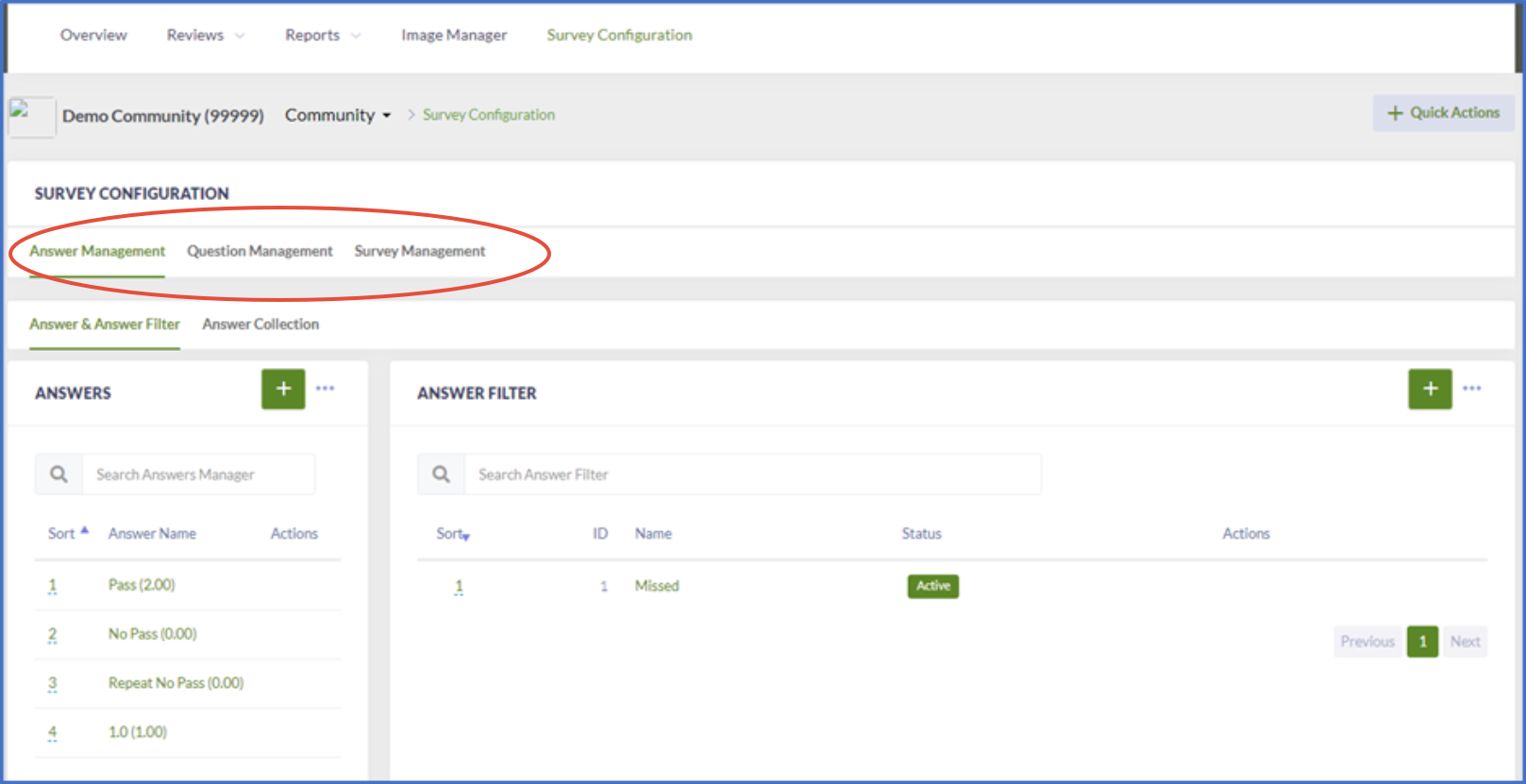
Notice you have areas called Answer Management, Question Management and Survey Management. You will be in these sections working to build your question and answer banks.
Note: Once a question or answer has been added they can be used in future surveys or trip reports. The banks works like a library where you can borrow the question or answer for different builds.
Was this article helpful?
That’s Great!
Thank you for your feedback
Sorry! We couldn't be helpful
Thank you for your feedback
Feedback sent
We appreciate your effort and will try to fix the article